




Written by Cyber Security Hive on November 1st, 2016
Topics: Malware & Virus Removal
Cyber security experts have discovered yet another Trojan malware that can steal sensitive data from Android phones. Dubbed Switcher, this malware infects wireless routers via default credentials and brute-force attacks.
Once Switcher compromises a router, it changes the DNS settings of the device. With this access, attackers can reroute the traffic of any smartphone or computer connected to the affected network.
Attackers can use your compromised router to conduct phishing attacks, steal information, or even redirect you to malicious websites hosting malware.
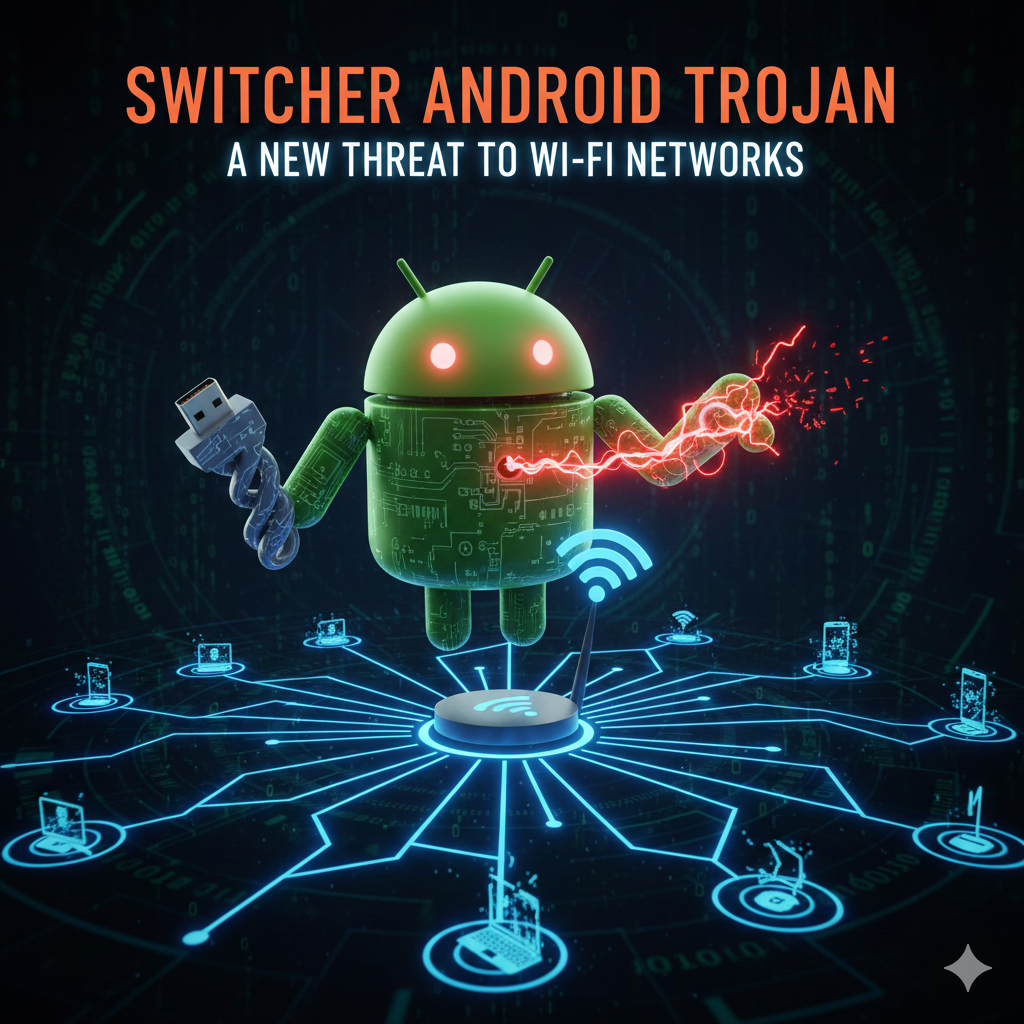
As mentioned before, Switcher is a Trojan Android malware that targets wireless routers instead of Android devices. Figure 1 shows how Switcher attacks routers via brute-force method.
[Kaspersky Switcher Android Trojan]
Figure 1. A visualization of the Switcher Trojan attack.
Trojan malware like Switcher usually comes disguised as attractive fake apps. Switcher arrives on phones through bogus apps like these:
Fake Baidu app impersonates a Chinese web search app.
Fake Wi-Fi sharing app. Sounds sketchy already!
Your phone gets infected with the Trojan after you install these malicious apps. However, Switcher does not target Android devices directly. Instead it scans through all routers connected to your local network.
Switcher targets your wireless router next. It will then perform brute-force attacks on the login credentials of the router.
Once Switcher successfully hacks your router login credentials…
…the Trojan changes the router’s DNS settings to connect your network traffic to malicious DNS servers.
DNS stands for Domain Name System. DNS servers match up domain names with their corresponding IP addresses. For example DNS translates www.google.com into 172.217.10.46
DNS hijacking occurs when a cybercriminal points your router DNS settings to his/her rogue DNS server.
After changing the DNS settings of your router, Switcher awaits connections from nearby devices.Any smartphones or computers that access these rogue DNS servers can now be vulnerable to cyber attacks.
Cybercriminals can carry out:
Phishing scams: When you try to visit a legitimate website through your phone, you might end up visiting a malicious phishing site instead. Phishing sites aim to steal your personal information like login credentials and credit card numbers.
DNS hijacking allows hackers to access traffic coming from your router. Learn more about DNS hijacking below.
As explained above, Switcher targets routers instead of Android smartphones directly. However, once your router is infected, all phones and computers connected to it are also infected as well.
Effects of Switcher Malware:
Loss of valuable data/information.The hackers can now steal information/data from your phone that travels through your router.
You trying to visit websites you normally would and end up going to phishing sites.
Your devices can now get infected with malware after visiting malicious sites pointed by attackers.
Domain Name System (DNS) redirects website names into web addresses. DNS hijacking is often referred as DNS redirection.
DNS hijacking occurs when a hacker redirects the Domain Name System of your router or computer to malicious DNS servers.
Once DNS settings have been hijacked, anyone trying to visit websites from your router are vulnerable to cyber attacks.
Hackers can now:
Steal your information by redirecting you to malicious phishing sites.
Spy on traffic going through your router
Inject malware into computers/devices that visit infected websites
With Switcher, routers DNS settings are modified so that all traffic going through the router are controlled by hackers.
Does your computer feel slow when connecting to your Wi-Fi? Do websites you normally visit often gives you a warning that they may not be safe? If your router has been infected with Switcher, then you may experience these symptoms.
But how can you tell if your router has been hacked with Switcher? Listed below are easy steps on how to tell if your router DNS settings have been modified:
Verifying your router’s DNS settings is one of the easiest ways to tell if you have been infected with Switcher.
As per cyber security firm Kaspersky Lab, compromised routers with Switcher usually points to one of these IP addresses.
101.200.147.153
112.33.13.11
120.76.249.59
Factory default credentials of routers are often the reason why Switchers spreads like wildfire.
If you fail to change the admin username and password of your routers, cyber criminals can quickly gain full admin access to your routers.
Implement strong passwords and regularly update your password every few months.
Exploit vulnerabilities allow malware like Switcher to gain access to your networks.
Router manufacturers releases firmware updates to patch vulnerabilities that are discovered within their systems.
Stay updated with the latest firmware to avoid malware attacks.
Two-factor authentication or 2FA provides an extra layer of security to your routers admin account.
Setting up 2FA means that cyber criminals would need both your password and second layer of identification to access your router.
Prevention is better than cure. Below are five easy steps you can do to prevent Switcher malware from infecting your router:
The easiest way to tell if your router has been infected is by checking the DNS settings of your router.
Cybersecurity firm Kaspersky Lab has published a list of DNS addresses that are known to be used by Switcher malware.
If your router points to any of these IP addresses, chances are you’ve been infected:
101.200.147.153
112.33.13.11
120.76.249.59
Many routers are vulnerable to malware attacks because their admins neglect to change factory default usernames and passwords.
Router manufacturers usually create a simple username and password combination so that new users can easily log into their routers admin panel.
Cyber criminals take advantage of these factory credentials. Make sure to:
Change both your admin username and password.
Use strong passwords. Stay away from passwords like PASSWORD1234 or Admin@123.
Exploit vulnerabilities present in old firmware allows malware like Switcher to gain access to your router.
Router manufacturers usually patch these vulnerabilities by issuing firmware updates.
Always keep your router’s firmware up-to-date by installing the latest updates.
Adding an extra layer of security to log into your router will make it harder for attackers to gain full admin access to your network.
Use two-factor authentication if your router admin page allows it.
Concerned about the security of your mobile devices and network? Give Cyber Security Hive a call at +91-9901024214 or contact us via email at contactus@cybersecurityhive.com for a free no obligation quote.
The Switcher Trojan shares similarities with another malware known as DNS Changer. DNS Changer, much like Switcher, modifies the DNS settings of routers and redirects traffic to rogue DNS servers.
DNS Changer was known to target routers from other brands such as D-Link, Net Gear and Pirelli. Switch targets TP-LINK routers specifically.
Reach out to us at Cyber Security Hive if you need professional mobile security services. Whether you need Mobile Malware Removal Services or network vulnerability testing, we can help.
Contact Cyber Security Hive at +91-9901024214 to get a free no obligation quote today.