




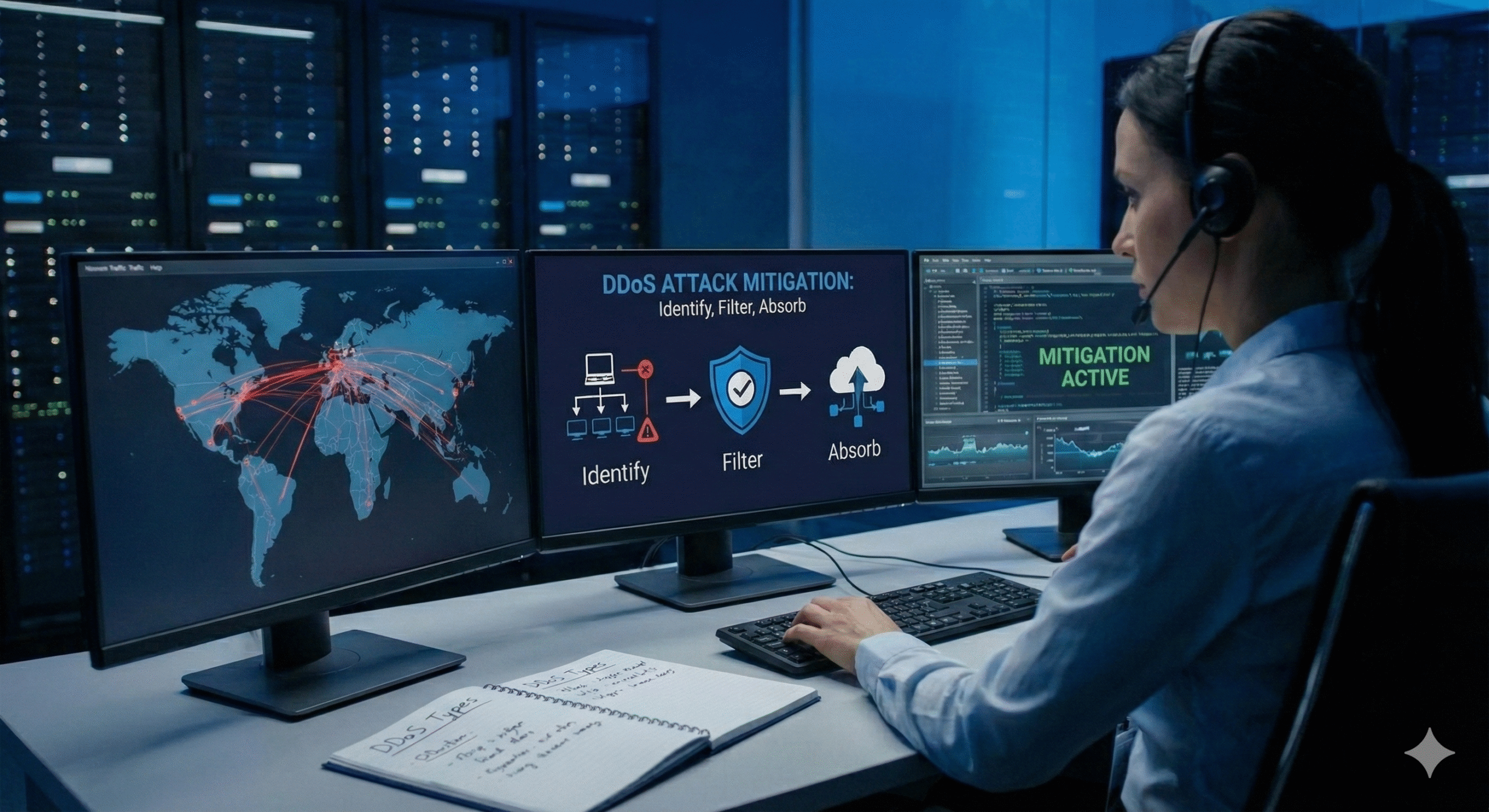
Network security is of paramount importance to most people. While hackers can cause irreparable damage to confidentiality through their attacks, there’s another type of threat that is far more disastrous when it comes to availability: DDoS attacks.
Obscure to some, feared by others, Distributed Denial of Service attacks, or DDoS for short, are quickly becoming one of the most prevalent attacks out there. They are fast, they wreak havoc on critical systems and can cause millions of dollars of damage to a company’s IT.
DDoS attacks have become infamous throughout cyber space. If you don’t know what they are or how they work, we are here to give you a quick and easy guide on everything DDoS.
DDoS stands for Distributed Denial of Service. This type of attack is when an individual, or attacker, attempts to flood a machine or network with so much traffic that the machine becomes inaccessible to regular traffic. Essentially, hackers use multiple sources to command a ton of traffic at one source.
This becomes a DDoS attack because the hacker uses many computers to hide their identity. Distributed makes it difficult to pinpoint who exactly is attacking.
The anatomy of a DDoS attack consists of three parts.
The person who is attacking and sending malicious commands.
The attacker has many hosts that he or she controls.
The bots that get the commands from the controller.
By having multiple layers in between the attacker and the victim, it allows the attack to take place without most people noticing.
The base of a DDoS attack is a DoS attack, or Denial of Service. DoS attacks are when traffic is intentionally being sent to overwhelm a machine or network. The difference between a DoS attack and a DDoS attack is the source of traffic. DDoS attacks are much more powerful because it comes from multiple sources.
DDoS attacks have been around for quite some time, but as technology advances, so do these attacks. Today, there are many ways to create large DDoS attacks. Hackers can exploit flaws in operating systems, software, and even hardware to amplify attacks.
As more malicious viruses, worms, and Trojans infect everyday computers and machines it allows hackers to gain access to a lot of money hosts they can use to attack other servers.
DDoS attacks can be very costly. They not only cause downtime but can ruin the reputation of a company. Some hackers like to use DDoS attacks as a threat. They’ll tell companies that if they don’t receive the money by a certain time, they’ll perform a DDoS attack.
When someone sends malicious requests to a server, they are asking that server to reply to them. When the server receives the request it tries to reply but because the attacker is using a fake IP address or port, there is no one to receive the request.
Once the server takes all of the fake requests it will try to reply but there is nowhere for the request to go. As more and more requests are answered with no response, the server will become overloaded and all legitimate requests will be denied due to extreme latency.
When somebody performs a DDoS attack, they are looking to hit crucial components of your network. They will try to attack your firewalls, routers, and load balancers. If they can bring these down, they’ve essentially destroyed your network.
There are many tools that a hacker can use to perform DDoS attacks. Some of the most common tools are listed below:
Will perform a UDP flood attack on a specified machine.
An advanced DDoS program that can perform ICMP floods, SYN floods, UDP floods, and Smurf attacks.
Allows hackers to easily perform several types of traffic floods at your machine.
Stands for Low Orbit ION Cannon. This is a widely used program by hackers. It is used to flood your server with either HTTP, UDP or TCP traffic.
Stands for High Orbit ION Cannon. Like LOIC, it floods your server with either HTTP, UDP or TCP. Unlike LOIC, it can hit multiple machines at once and floods more traffic.
Warning: The above information is for educational purposes only. Performing or participating in a DDoS attack is illegal and could land you in some major trouble and potentially hit with a hefty fine.
While it’s nearly impossible to 100% prevent a DDoS attack from happening to you, there are many steps you can take to make your network more secure.
DDoS attacks are one of the most common attacks that you will face. Not only can they take your website or server offline but they can cause major destruction to your bank account.
As hackers become more knowledgeable on how to perform these attacks, you should too. Make sure to continuously monitor your network and perform regular tests to ensure that your network is secure.
If you’re concerned about DDoS attacks, hire a professional to perform a DDoS test on your network to see where you stand.