




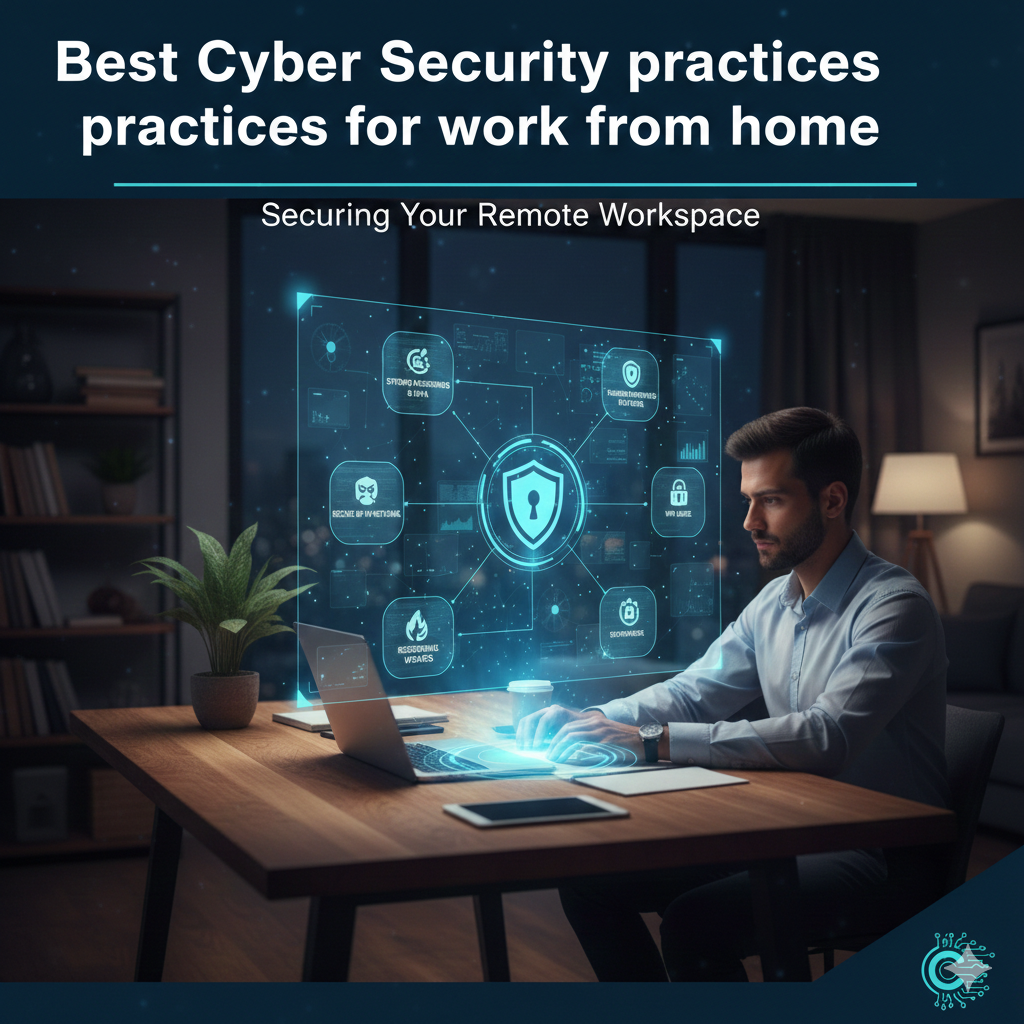
Most organizations can manage limited remote work arrangements with adequate preparation. However, in the face of unexpected events such as natural disasters, few companies are able to rapidly transition a large portion of their workforce to remote operations.
Many organizations lack the infrastructure to support a sudden increase in remote workers, and even fewer have the security measures in place to ensure that critical information remains protected. In most cases, systems are designed to support only a small percentage of employees working remotely, supported by limited hardware, software, and IT resources.
Remote employees should use a Virtual Private Network (VPN) to securely access organizational systems. While VPNs are often associated with bypassing geographic restrictions, their primary business use is to secure remote access. VPNs encrypt traffic and provide protected connectivity to services such as web applications, email, and databases.
Not all VPN solutions offer the same level of security. Organizations should carefully assess their requirements before selecting a VPN technology. Consumer-grade VPNs designed solely for privacy typically encrypt data only between the user and the VPN provider, not all the way to the destination, making them unsuitable for enterprise remote access.
Most home Wi-Fi networks today offer reasonable security. However, employees should be cautious when using public Wi-Fi networks, such as those in cafes or airports. Unsecured public networks are frequently exploited by attackers to intercept internet traffic and steal sensitive information.
Employees working remotely or in public spaces must take steps to protect their devices. Strong device passwords or biometric authentication help prevent unauthorized access if a device is lost or stolen. Organizations should enforce policies that require all corporate devices to be secured at all times.
Strong passwords alone are often insufficient, especially if credentials are exposed during a data breach. Implementing two-factor authentication (2FA) or multi-factor authentication (MFA) adds an extra layer of protection by requiring an additional verification step before granting access to employee accounts.
Ensure that antivirus software is installed, enabled, and kept up to date on all devices. While threats are unavoidable, antivirus solutions serve as a critical defense layer by detecting and blocking known malware. Even if malicious software reaches an employee’s device, a properly configured antivirus solution can prevent it from executing.
When employees handle sensitive information, modern encryption technologies must be used to protect data both in transit and at rest. If secure communication channels are not already in place, organizations should implement additional solutions. Devices should also be configured to encrypt all stored data to minimize risk in the event of theft or loss.
These security best practices help employees work safely with corporate devices and sensitive information, regardless of location. Organizations can integrate these measures into formal cybersecurity and employee policies, overseen by CISOs and IT managers. Regular security awareness training—especially during onboarding and policy updates—is strongly recommended to ensure employees understand and follow these guidelines.